1
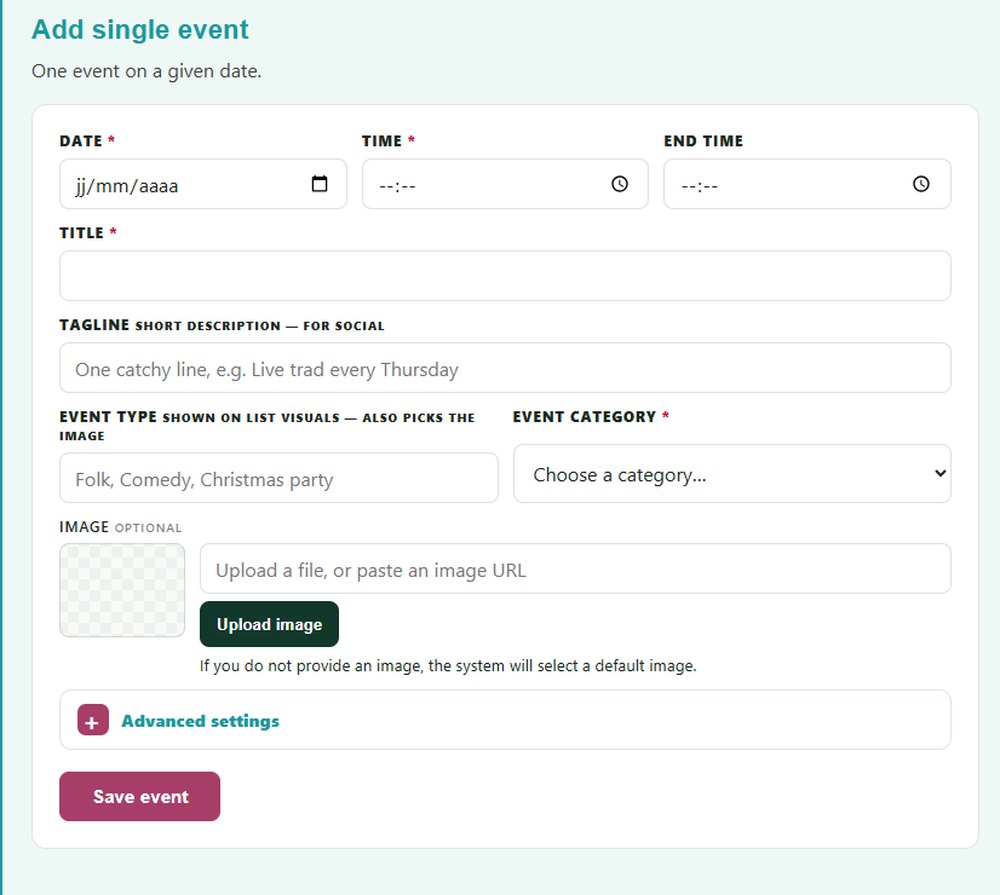
One event
Fill in the form and save. Your event is on your page straight away.

Quick and Easy
No technical skills needed. Add one event, repeat a weekly night, or upload a whole month in one go.
Four ways to add events
Fill in the form and save. Your event is on your page straight away.
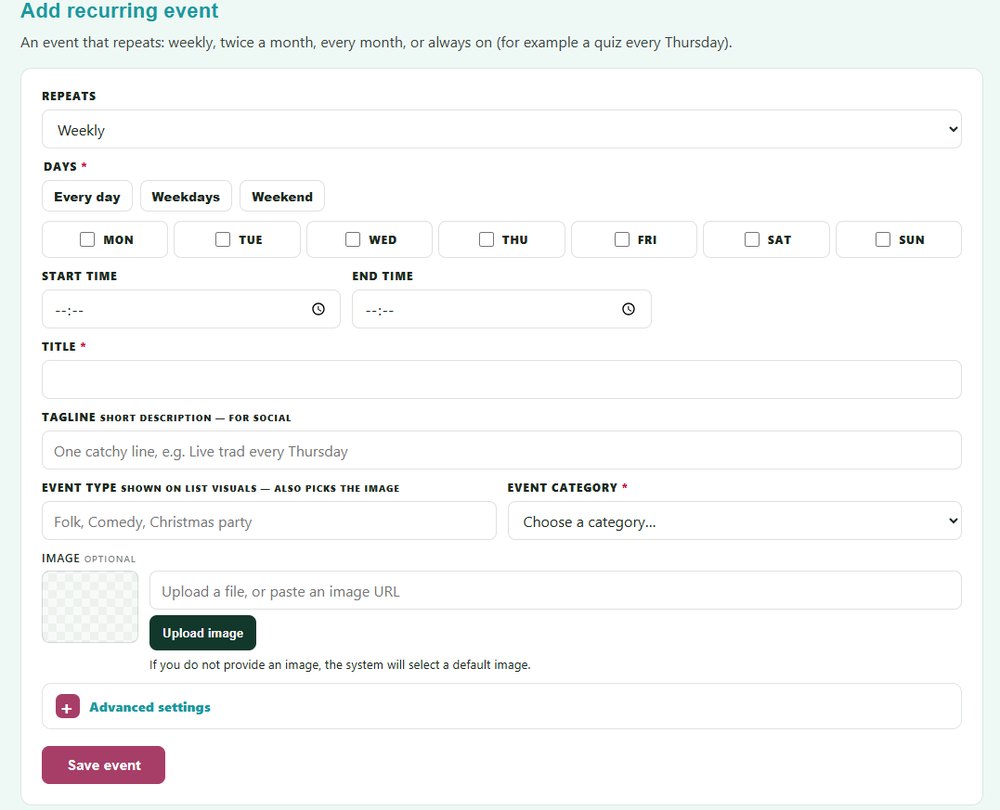
Fill the form once. Your event shows on your page automatically at the next occurrence.
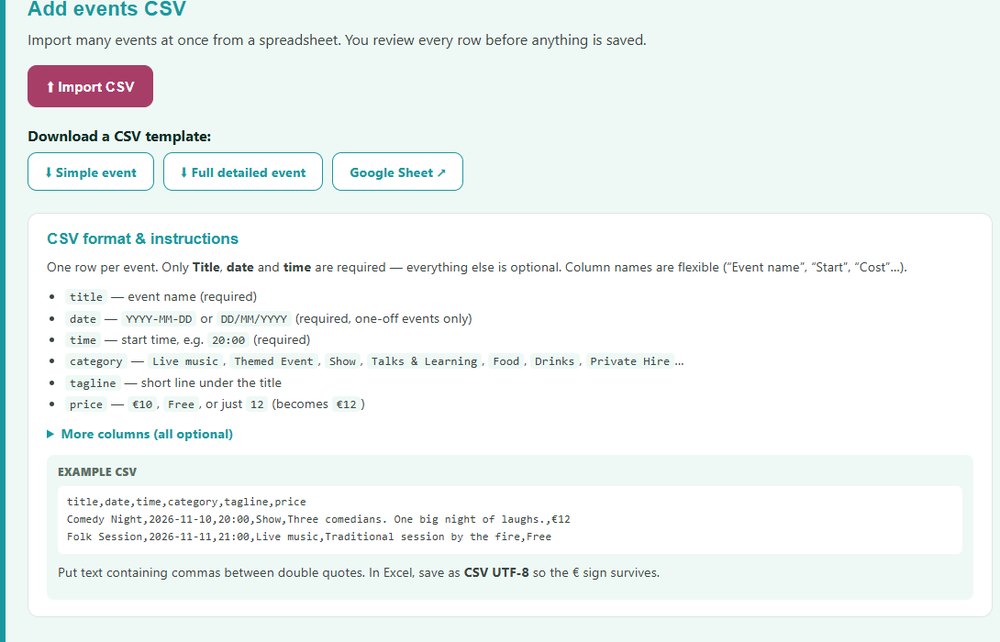
Fill in a spreadsheet, upload it and check every row before anything is saved.
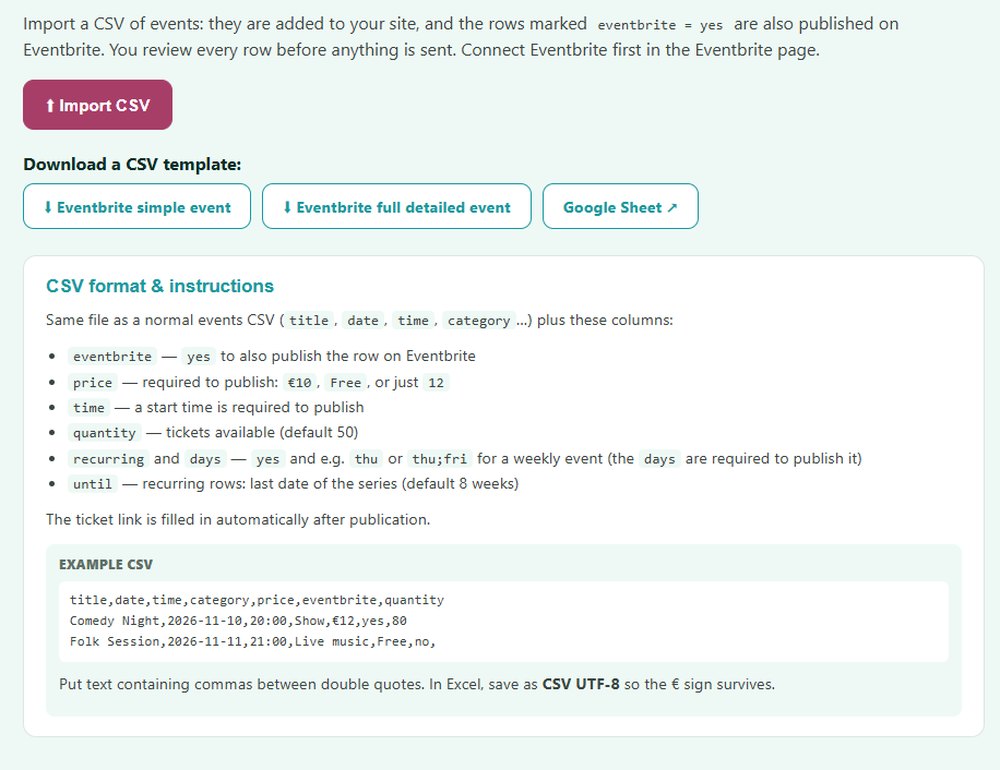
Already sell tickets online? Connect your account and bring your events onto your page, with a Tickets button to the page you already use.
See our current integrationsAlways up to date
Your page only shows what is coming up. You never have to clean it. Edit or remove an event in one click.
Tell us about your venue and we will build your page, free.
Ask for your free demo